
Holding Up a Mirror
What Happens When You Ask AI to Critique Itself?

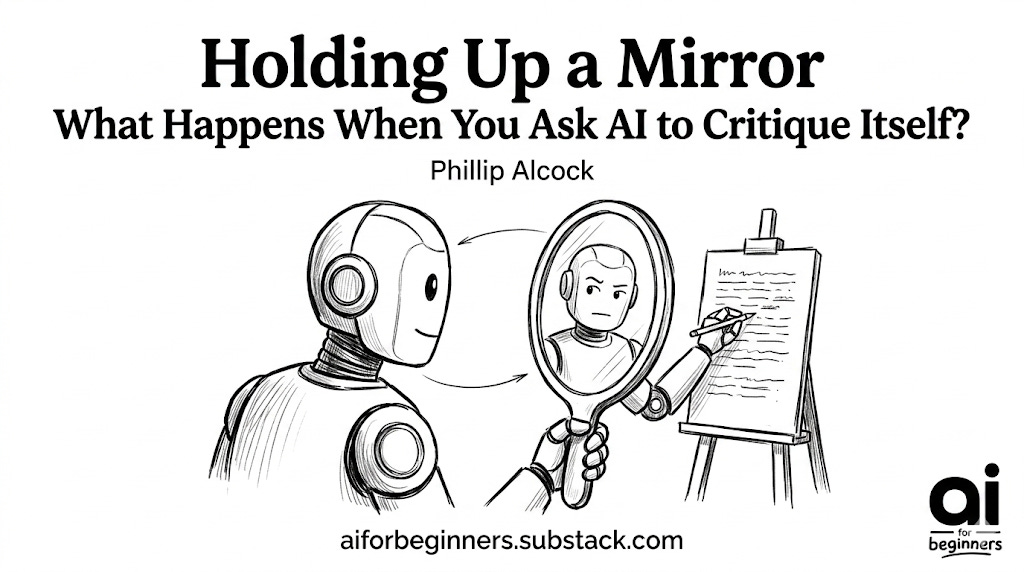
Have you ever written an email, read it back to yourself, and thought, “Yikes, that sounds a little too grumpy”? So, you delete a few words, add a smiley face, and rewrite it before hitting send.
Believe it or not, Artificial Intelligence can do exactly the same thing if you ask it!
As beginners, we often think that whatever the AI gives us on its first try is its “final answer.” But the real magic happens when you ask the AI to put on its editing hat and critique its own work.
What Does “Self-Critique” Mean for AI?
Think of an AI like an eager, lightning-fast sous-chef. If you ask for a bowl of tomato soup, it will quickly chop, boil, and hand you a bowl. But what if you stop and say, “Taste this soup and tell me what it’s missing”?
The chef might pause, take a sip, and realise, “Ah, it needs a pinch of salt and a little more simmer time.”
When you ask an AI to critique itself, you are simply forcing it to pause, review its own generated text against your original instructions, and find its own mistakes. It’s a strange loop but it gets better results. I use a critique-yourself skill on Claude all the time.
The “Magic” Behind the Mirror
When you say, “critique your previous answer,” a few wonderful things happen. First off, AI doesn’t have an ego to protect. It won’t get defensive or have its feelings hurt! Instead, it smoothly switches gears from “creative mode” to “analytical mode.”
Here is what the AI is actually doing behind the scenes:
It checks the rules: Did it follow all of your instructions? Did it make the text as short or as long as you wanted?
It looks for gaps: Did it forget something important?
It improves clarity: Is the language too complicated? Does it sound like a robot wrote it?
By asking it to look for these flaws, the AI spots its own weaknesses so you don’t have to.
How to Make AI Critique Itself (Step-by-Step)
Ready to try it out? It’s incredibly easy and requires zero technical skills. You can use this simple 3-step process on ChatGPT, Claude, or any other friendly AI you like to use.
Step 1: The Initial Ask
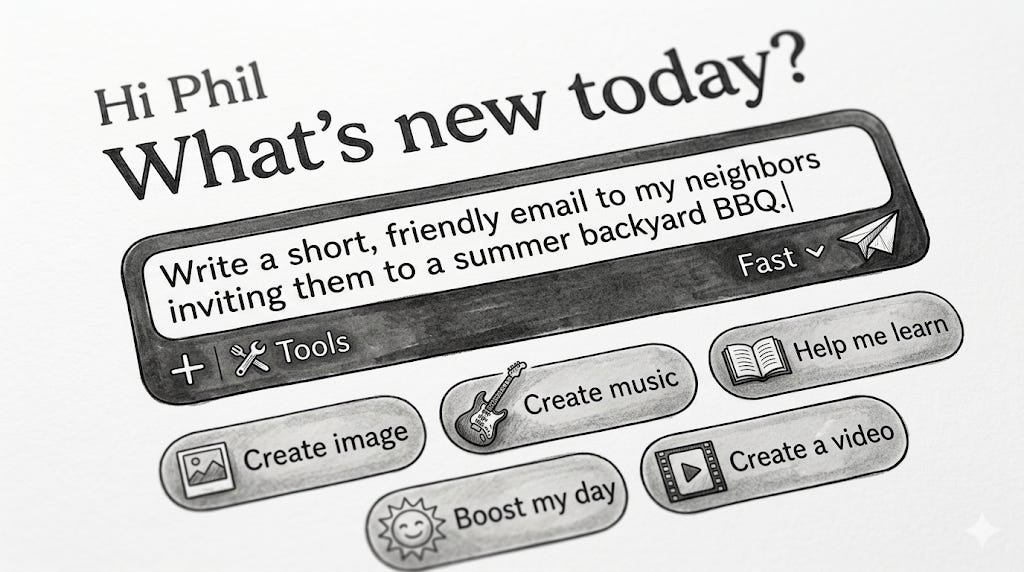
Start by asking the AI to do a task, just like normal.
What you type:
“Write a short, friendly email to my neighbors inviting them to a summer backyard BBQ.”
Step 2: The Self-Critique
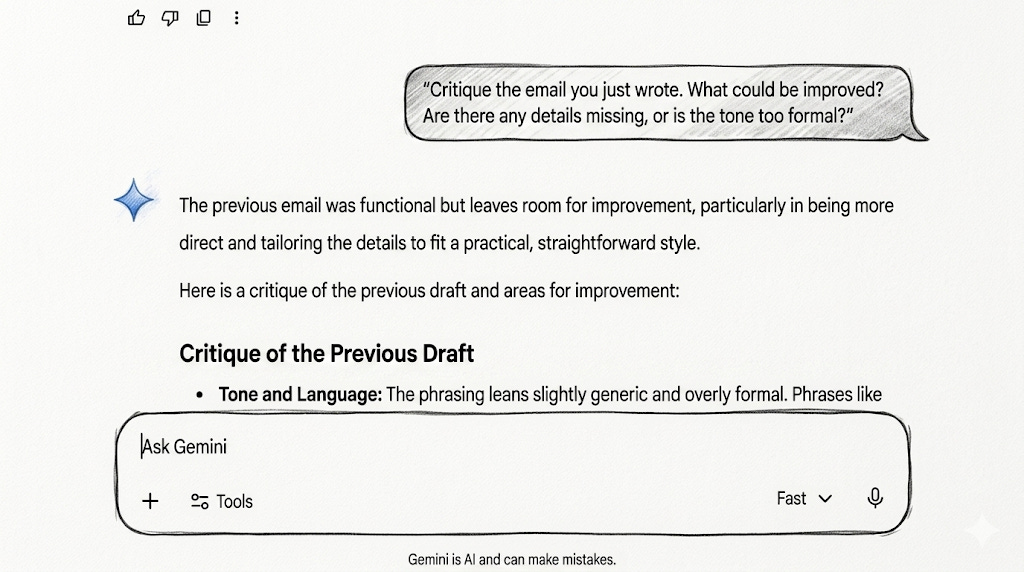
Once the AI gives you the first draft of the email, don’t copy and paste it just yet. Instead, ask it to review its work.
What you type:
“Critique the email you just wrote. What could be improved? Are there any details missing, or is the tone too formal?”What happens: The AI will reply with a helpful list of its own flaws! It might say something like: “The tone is a bit stiff for a neighborhood party. Also, I forgot to include placeholder blanks for the date, time, and address!”
Step 3: The Rewrite
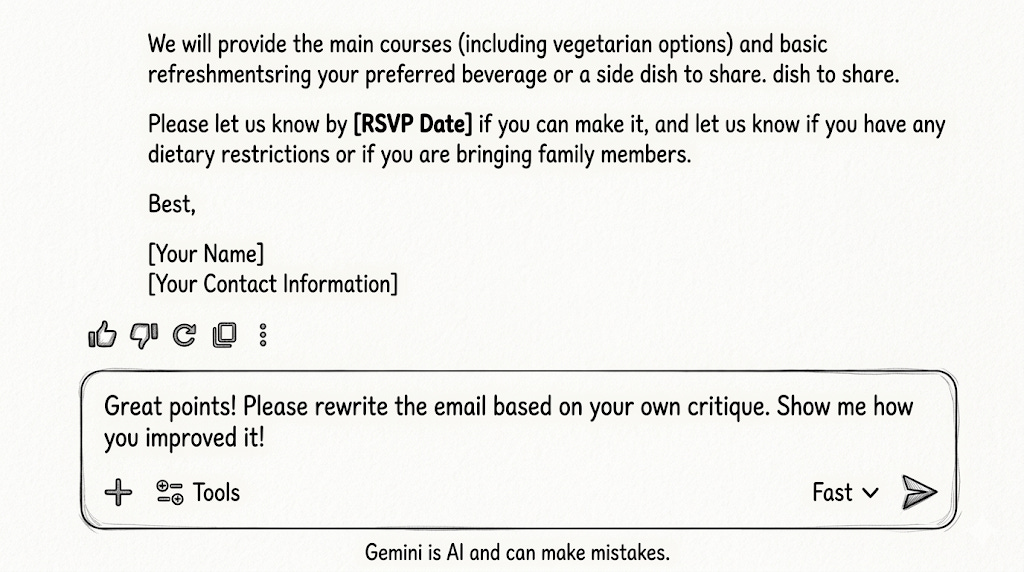
Now, tell the AI to use its own feedback to make a better version.
What you type:
“Great points! Please rewrite the email based on your own critique. Show me how you improved it!”What happens: You get a second, much better draft that feels more natural, friendly, and complete.
Why This is a Superpower for Beginners
When you’re just starting out with AI, you might not know exactly how to write the perfect instruction (often called a “prompt”). And that is perfectly okay!
By using the self-critique method, you don’t have to be a master prompt writer. You and the AI become a team. You provide the spark of an idea, and you let the AI do the heavy lifting of polishing it until it sparkles.
Your Next Steps
Next time you use AI to help you write a message, brainstorm ideas, or learn a new topic, don’t settle for the very first draft. Ask the chef to taste the soup! Ask the AI to grade its own homework. And review the reasoning it gives.
Phil