
The Reason AI Keeps Getting You Wrong
It’s not the tool. It’s what you type into it.

Most people think a prompt is a question you type into AI. That’s close, but it has a gap in it. And that gap is why you keep getting responses that are accurate, but useless.
Anthropic, the company behind Claude, defines a prompt differently. They describe it as the primary way humans communicate intent to an AI. Not information. Not questions. Intent. You are expressing a purpose to a system designed to serve it. That single word, intent, changes how you should approach every interaction you have with an AI tool.
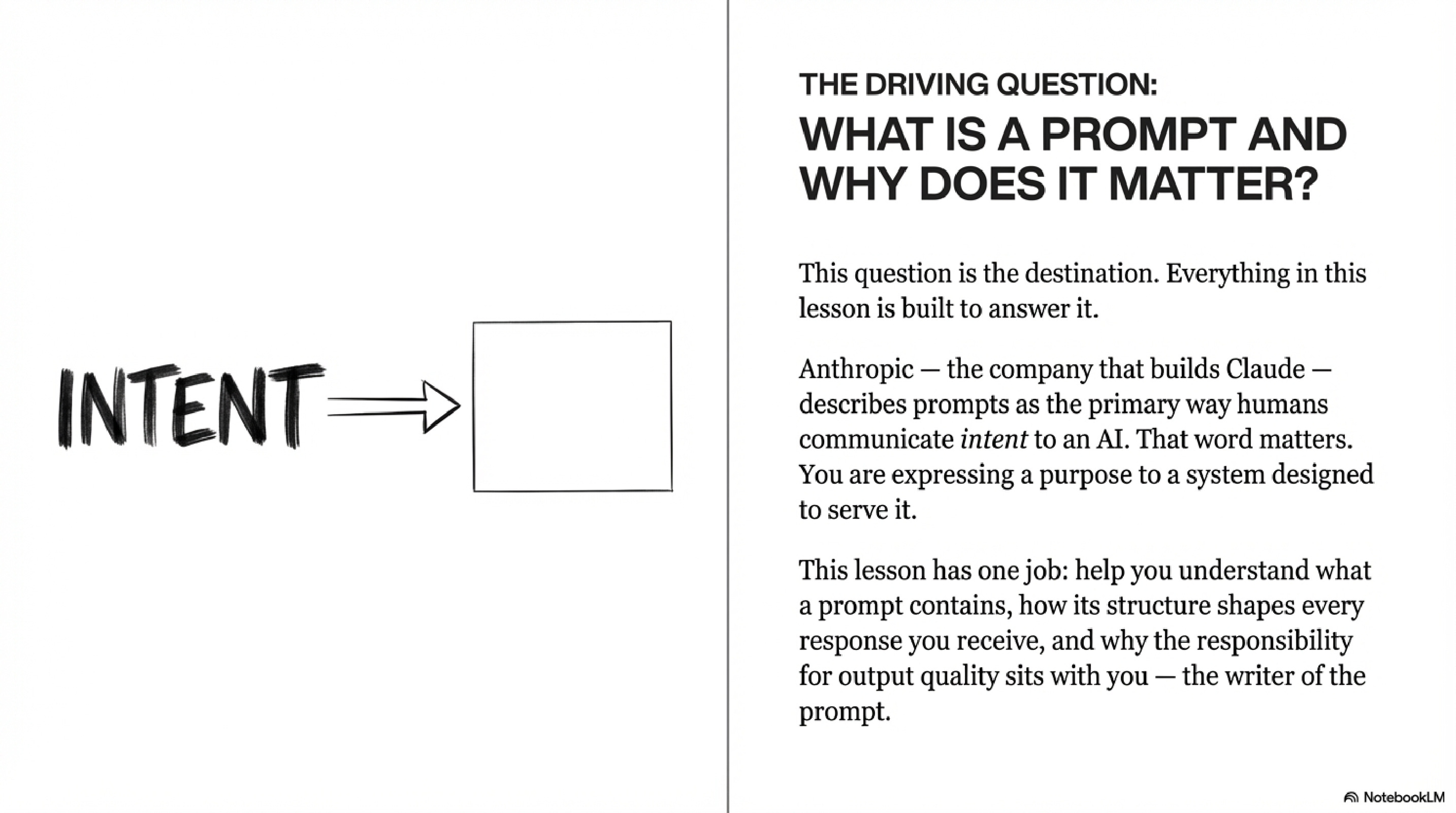
Look at the diagram: it shows the word “INTENT” pointing with an arrow into a blank box. That blank box is the AI’s response. Whatever comes out of the box is a direct reflection of the intent you put in. Not more. Not less.
The Framework: Four Components of Every Strong Prompt
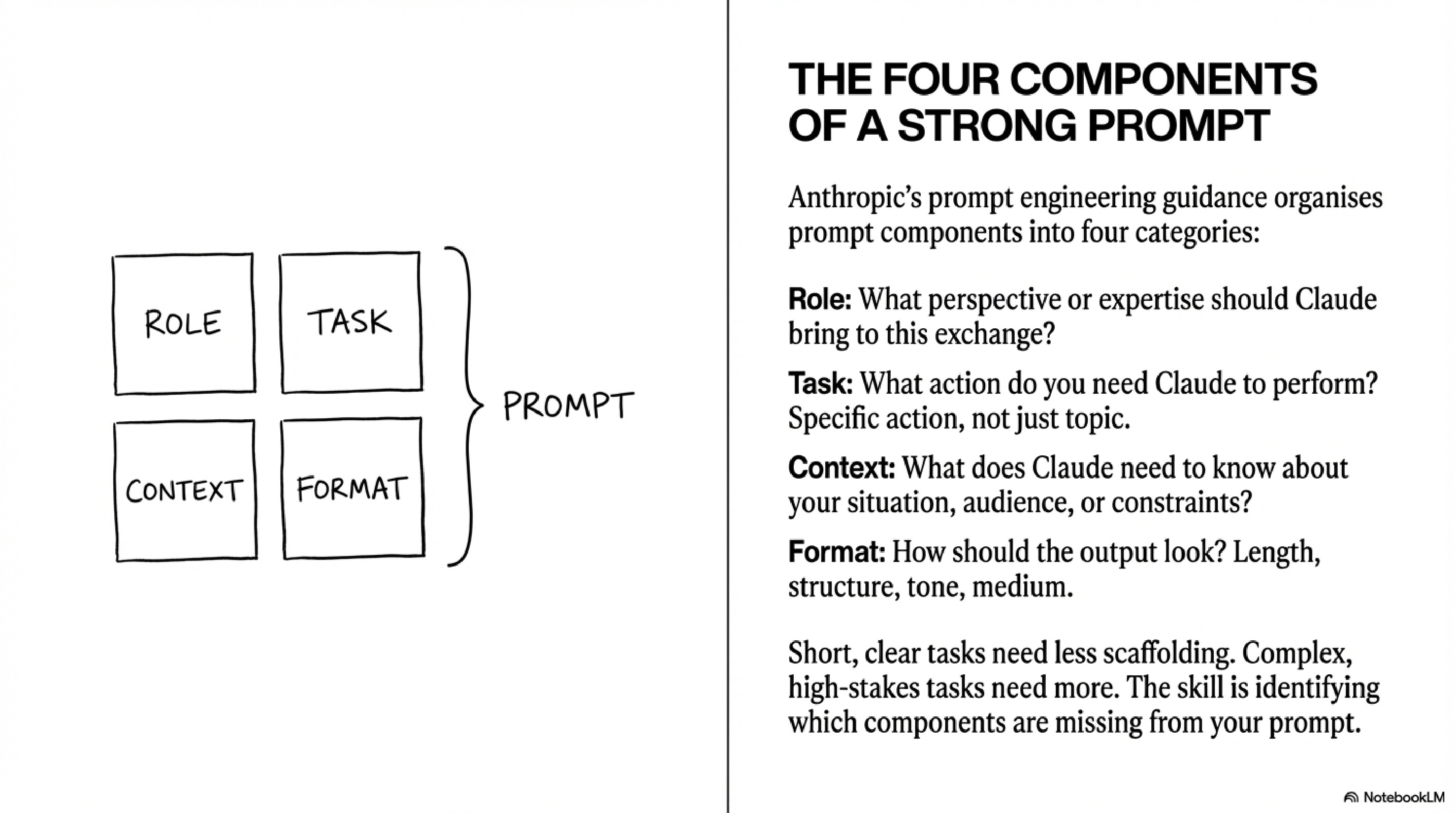
This diagram shows a simple 2x2 grid, four boxes labelled Role, Task, Context, and Format all combining into a single prompt. Anthropic’s prompt engineering guidance organises every effective prompt around these four components. Here’s how to apply them as a system.
Define the Role — Tell Claude what perspective or expertise to bring to the exchange. This isn’t about flattery. It’s about calibrating the response before a single word of output is produced.
Example: “You are an expert educator for high school science.”
Without this: Claude responds as a generalist. With it: Claude narrows its frame, vocabulary, and assumptions to fit your context.
State the Task precisely — The task is a specific action, not a topic. “Climate change” is a topic. “Help me plan a 60-minute introductory lesson on climate change” is a task.
Vague task → Claude makes decisions on your behalf. Specific task → Claude executes yours.
Supply the Context — Tell Claude what it needs to know about your situation, your audience, and your constraints. This is the component most people skip. It is also the component that creates the biggest difference in output quality.
Who is the audience? What do they already know? What are the time and format constraints?
Diagram 10 demonstrates this perfectly: two people sent the identical task — “Explain how vaccines work.” Person A added no context. Person B added: “I am explaining this to my seven-year-old who is scared of getting a flu shot next week.” Claude produced two completely different responses in length, vocabulary, tone, and structure. Person A received accurate information. Person B received useful information.
Specify the Format — Length, structure, tone, medium. Do you need bullet points? A script? A 3-sentence summary? If you don’t say, Claude decides for you.
Short, clear tasks need less scaffolding. Complex, high-stakes tasks need more.
The skill is identifying which components are missing from your current prompt — not memorising a formula.
Real Example: The Same Task, Three Completely Different Results
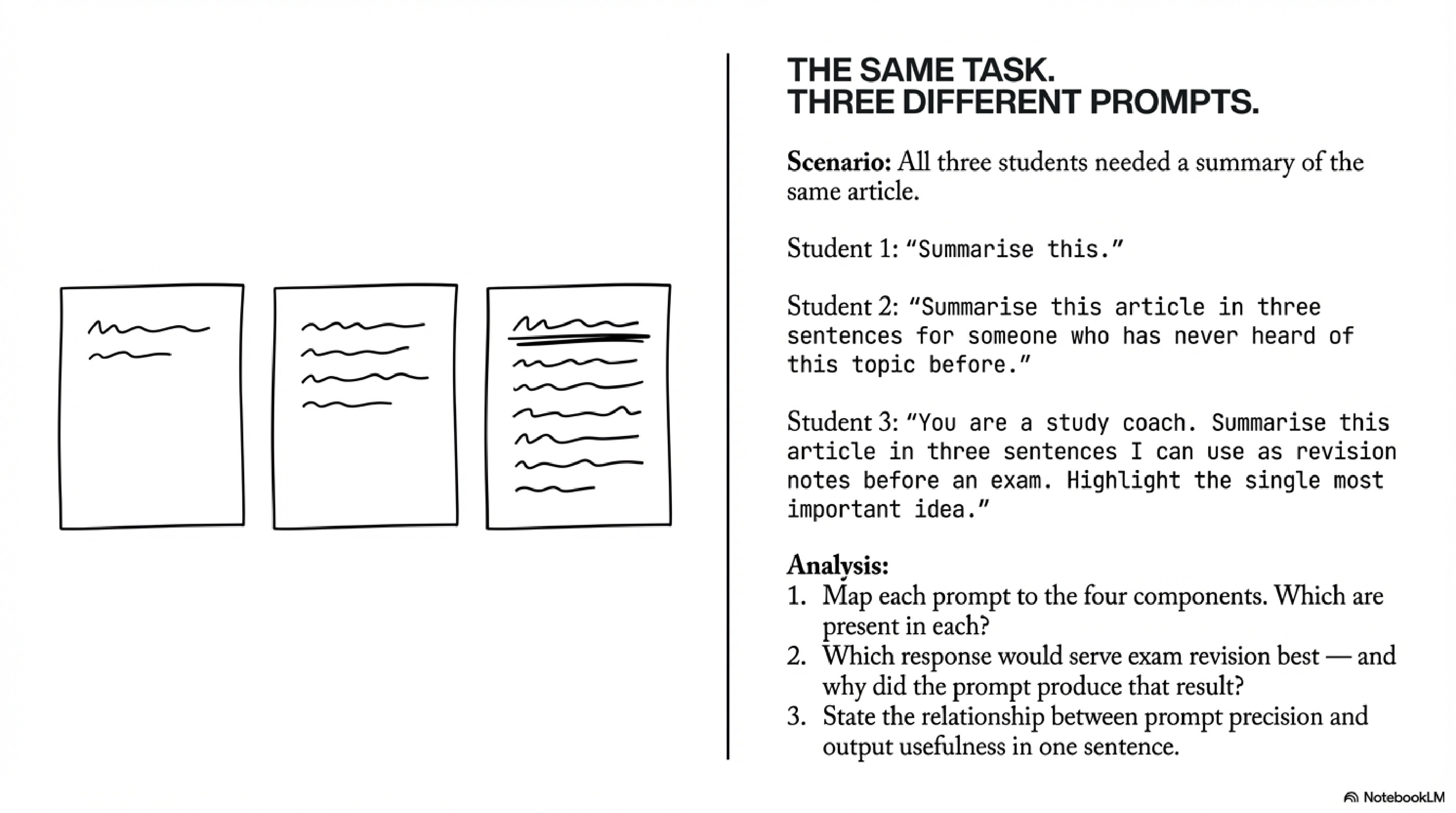
This diagram puts this into sharp relief. Three students needed a summary of the same article. Watch what happens as the components stack up.
Student 1 typed:
Summarise this.Claude produced a response. Claude decided the length, the depth, the vocabulary, the structure. All of it. The student received something — but it was built on Claude’s assumptions, not the student’s actual need.
Student 2 typed:
Summarise this article in three sentences for someone who has never heard of this topic before.Better. Task is specific. Format is defined. Context about the audience is present. Role is still absent, but this prompt will produce something genuinely usable.
Student 3 typed:
You are a study coach. Summarise this article in three sentences I can use as revision notes before an exam. Highlight the single most important idea.This prompt has all four components. Role: study coach. Task: three-sentence summary. Context: revision before an exam. Format: highlight the single most important idea. The output serves an actual purpose rather than a general one.
The relationship between these three prompts is the lesson. Precision in → usefulness out. The article was identical each time. The prompts were not.
What the Output Is Actually Telling You
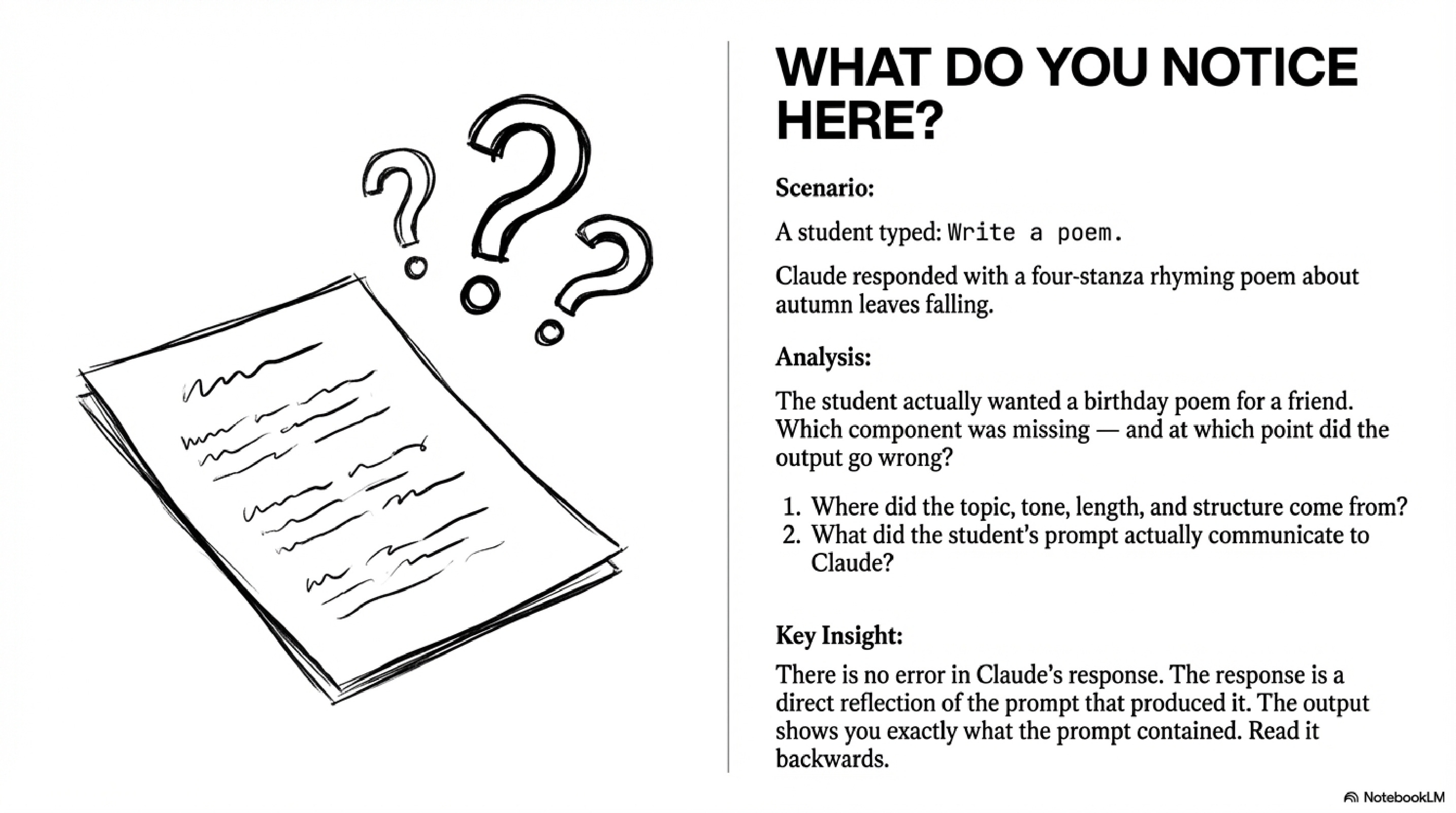
Here is the insight that most people miss. A student typed Write a poem. Claude responded with a four-stanza rhyming poem about autumn leaves falling. The student’s reaction was frustration, they wanted a birthday poem for a friend.
The slide asks: where did the topic, tone, length, and structure come from? The answer is the prompt. Claude didn’t make an error. Claude read the prompt and constructed the most useful response it could, based entirely on what it was given. When your prompt is vague, the response fills the gaps with assumptions. Read the output backwards: it will show you exactly what your prompt communicated.
This is the core mechanic. You correct the output by correcting the communication. Not by blaming the tool.
The Revision Loop — and Why You Want to Avoid It
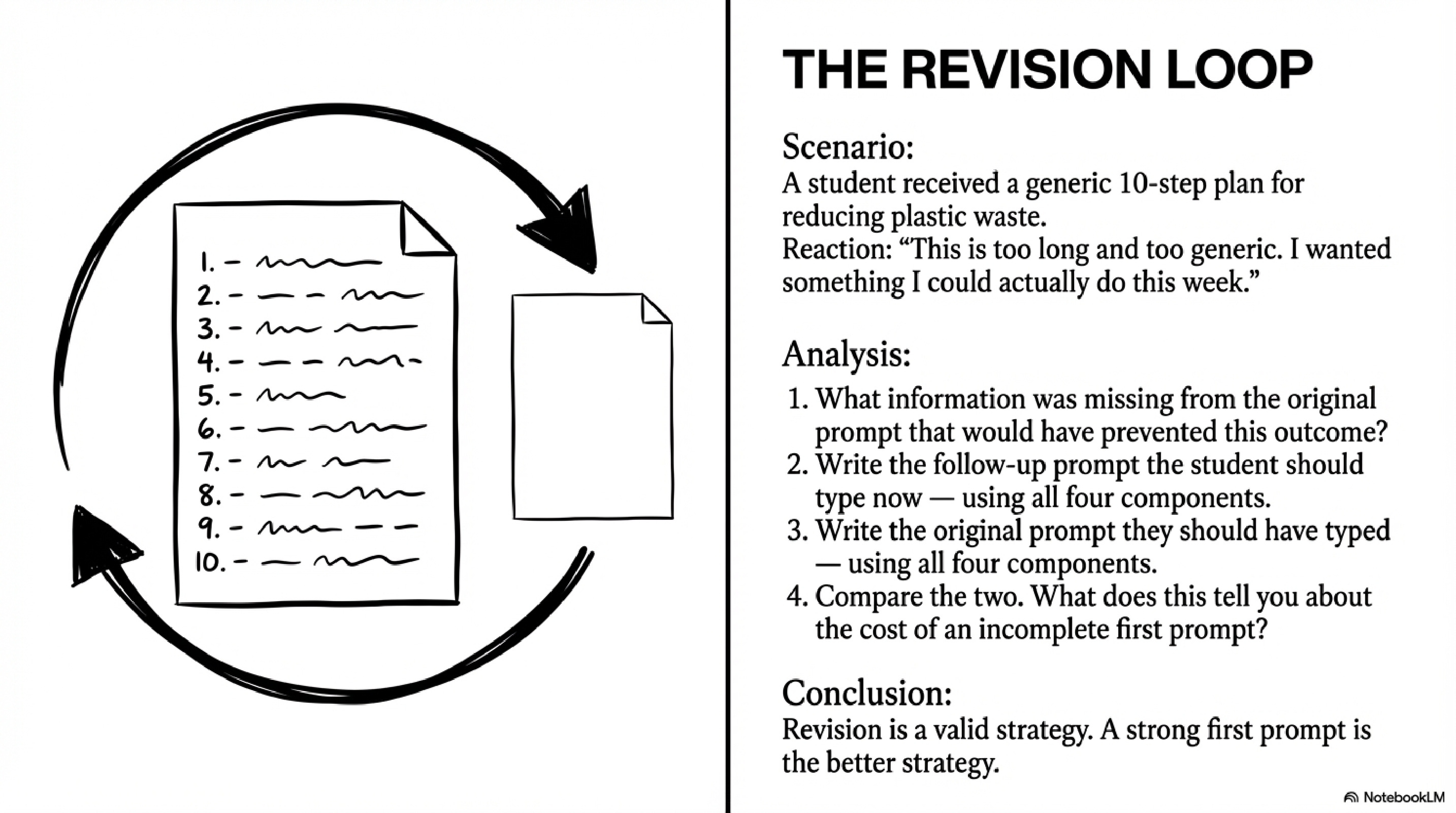
The revision loop shows what happens when the first prompt is incomplete. A student received a generic 10-step plan for reducing plastic waste. Their reaction: “This is too long and too generic. I wanted something I could actually do this week.” Now they have to write a second prompt to clean up the mess of the first.
Revision is a valid strategy. A strong first prompt is the better strategy. Every round-trip through the revision loop costs you time and cognitive load. The four-component framework exists to front-load the thinking, to force you to articulate your actual need before you send the prompt, not after you read a response you didn’t want.
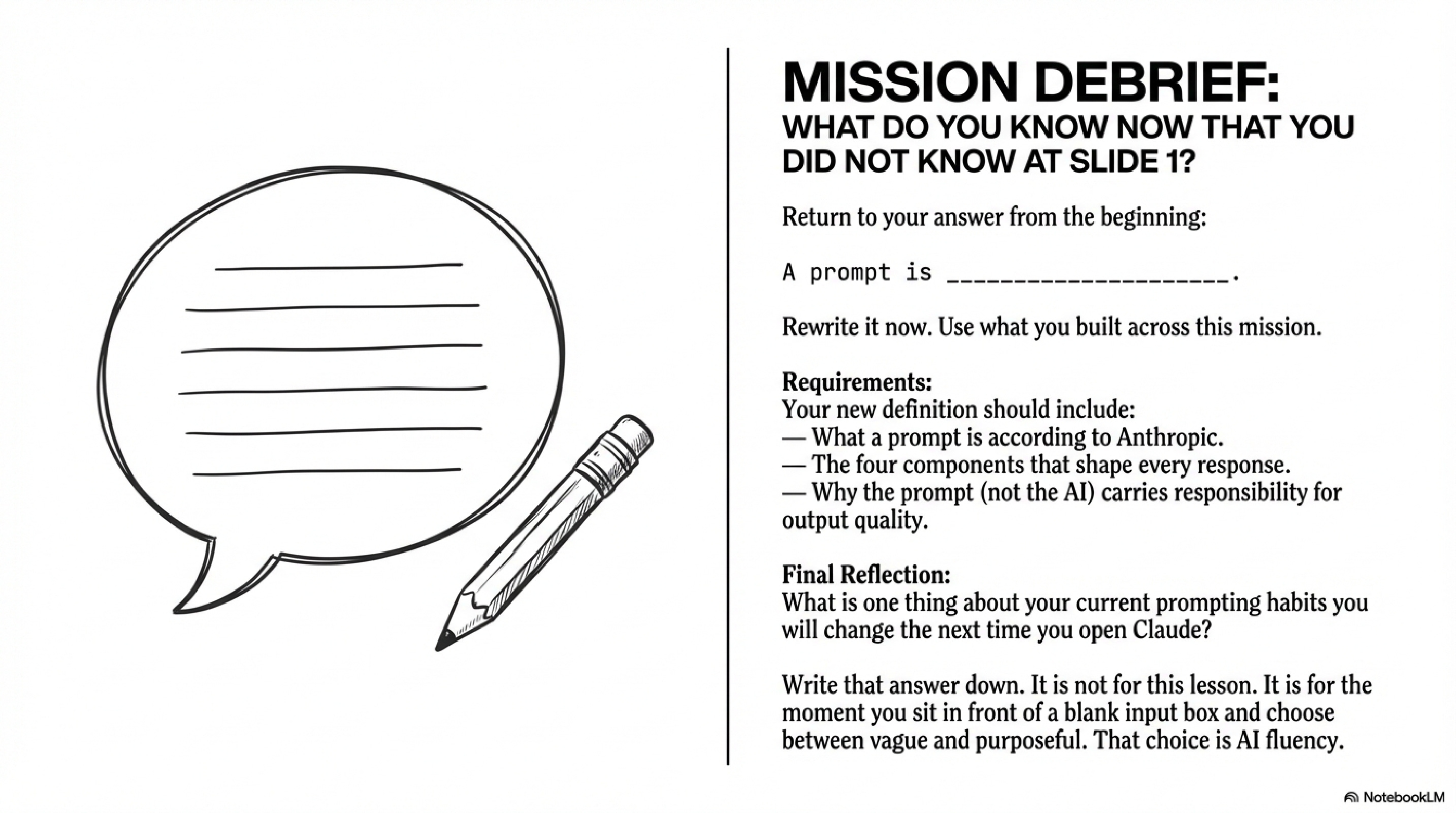
A prompt is not a question you type into AI. It’s a structured communication of intent , containing a role, a task, context, and a format, where the quality of the output is the direct responsibility of the person writing the prompt, not the AI executing it.
That choice, between vague and purposeful, is AI fluency. It’s what we’re building at PBL Future Labs, one mission at a time.
Phil