
What is a Claude Skill?
Think of Claude as Buzz Lightyear.Advanced. Polished. Probably a bit too confident. But even Buzz needs a briefing.

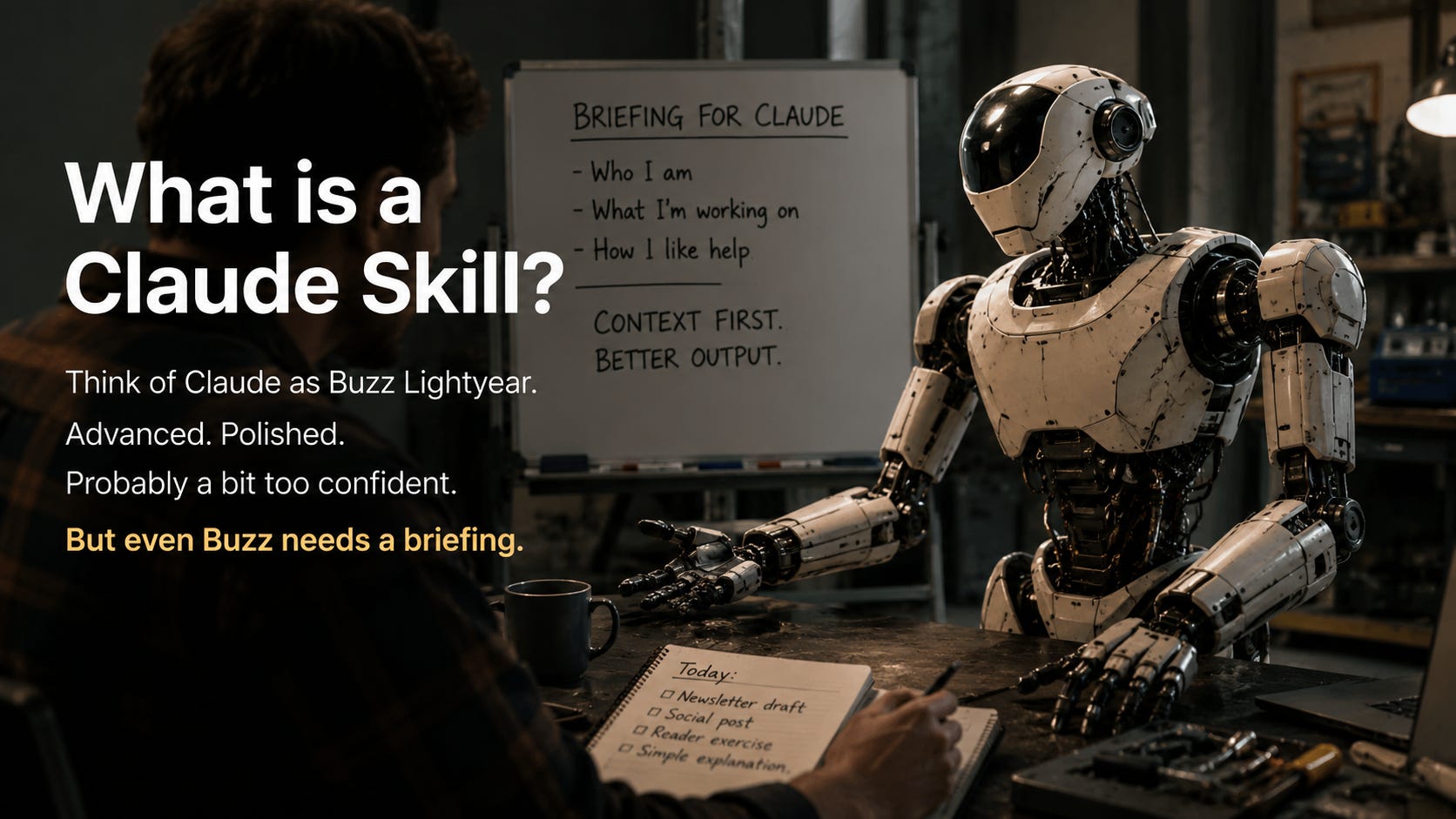
Think of Claude as Buzz Lightyear.
Advanced. Polished. Probably a bit too confident.
But even Buzz needs a briefing.
He can have all the tools in the world and still not know what Woody actually needs unless someone tells him.
That is the simplest way to understand a Claude Skill.
A Skill is a note you leave for Claude so it has useful context before the work starts.
Not coding.
Not some giant AI system.
Just a reusable briefing.
Something that says:
Here’s who I am.
Here’s what I’m working on.
Here’s how I like help.
That’s it, mostly.
The easiest analogy
A Skill is like the short briefing document you would give a new assistant on their first day.
You would not hire someone, sit them at a desk, and say:
Help me.
Well, you could.
But they would have to ask a pile of questions before doing anything useful.
They would need to know what you do, who you help, what kind of work matters, what tone sounds right, what annoys you, and what “good” looks like.
A Claude Skill does that job.
It gives the AI the background information you do not want to explain every single time.
Buzz without a Skill
Woody says:
Help me write an email.
Buzz replies:
Certainly. Who is the audience? What tone would you like? Should this be formal or casual? What is the goal? How long should it be?
Buzz is not being difficult.
He just does not know the room yet.
He does not know Woody’s usual style. He does not know the audience. He does not know whether Woody wants something quick, warm, blunt, funny, careful, or professional.
So the conversation starts with setup.
Again.
Buzz with a Skill
Now imagine Woody has left Buzz a note.
I run a beginner-friendly newsletter about AI. My readers are smart, but not technical. I like plain English, simple analogies, short paragraphs, and practical examples. Avoid jargon unless you explain it.
Now Woody can say:
Help me write my newsletter.
And Buzz has a much better starting point.
He already knows the audience.
He already knows the tone.
He already knows not to start throwing in technical words just because he can.
That is the point of a Skill.
It saves you from repeating the same context every time you open a new conversation.
What a Skill looks like
A Skill does not need to sound impressive.
In fact, the more impressive it tries to sound, the less useful it often becomes.
A simple Skill might look like this:
I am a small business owner who uses AI to write newsletters, organise ideas, and create simple marketing content.
I prefer clear explanations, practical examples, and short drafts.
Avoid technical jargon unless it is needed, and explain it in plain English when it appears.
That is enough to start.
It gives Claude a job shape.
It tells Claude what kind of person it is helping, what kind of work is common, and what kind of response will probably be useful.
Skill vs prompt
A prompt is the thing you ask right now.
A Skill is the background note that helps Claude understand how to answer.
For example:
Prompt:
Write a welcome email for my newsletter.
Skill:
My newsletter is for beginners learning AI. My tone is simple, practical, and friendly. I like short paragraphs, examples, and no unexplained jargon.
The prompt is the task.
The Skill is the briefing.
Or even simpler:
Prompt = what to do.
Skill = how to understand you while doing it.
The 3 things every useful Skill needs
You do not need a complicated system.
Most useful Skills contain three things.
1. Who you are
Tell Claude your role, project, or situation.
For example:
I write a beginner-friendly newsletter about AI for small business owners.
This gives Claude the world you are working in.
2. How you like things done
Tell Claude your preferences.
For example:
Use plain English, short paragraphs, simple examples, and a calm, practical tone.
This helps Claude avoid giving you the wrong kind of answer.
3. What help you usually need
Tell Claude the tasks you often ask for.
For example:
Help me write newsletter drafts, social posts, simple explanations, and reader exercises.
This helps Claude become useful faster.
Not perfect.
Just less blank.
A simple formula
Here is the beginner version:
I am ________.
I work on ________.
When helping me, please ________.
That is enough for a first Skill.
You can always improve it later.
Most people overthink this part. They try to write the perfect AI instruction and end up writing something stiff.
Start small.
Write the note you would actually give a new assistant in their first days.
Copy-paste template
Use this:
I am a ________ who works on ________.
My audience, customers, or readers are ________.
When helping me, use ________ and avoid ________.
Example:
I am a newsletter writer who helps beginners understand AI.
My readers are curious, but not technical.
When helping me, use plain English, simple analogies, short paragraphs, and avoid jargon.
That is basically your first Skill.
Not fancy.
Useful.
Reader action step
Write a 3-sentence brief about yourself as if you were onboarding a new assistant.
Use this:
I am ________.
I am working on ________.
When helping me, please ________.
You do not need to build anything complicated today.
Just leave Claude a better note.
Phil
love this analogy. Let's call them Buzz notes shall we?